Elena M.
Perfect, thank you!
 Meta Tech Provider
From OfficialMeta Tech Provider
Answer WhatsApp customer conversations automatically, keep every lead in one shared inbox, and synchronize booked appointments with Google Calendar.
Every WhatsApp lead gets an answer
Through the official WhatsApp Business Platform.
Perfect, thank you!
I need an appointment
What time do you open?
Thanks for your help
Tuesday, 21 July · 15:00
Automate WhatsApp messages, keep Google Calendar bookings synchronized, and export your customer contacts to Excel whenever you need them.
Answer common questions automatically, capture lead details, and let your team take over any conversation when needed.
Check availability and send confirmed appointments to your selected Google Calendar, keeping bookings organized automatically.
Download your captured leads and customer contacts as an Excel file, ready for follow-up, records, or your own reporting.
Automate common WhatsApp questions, capture lead details, offer genuinely free times, and synchronize confirmed appointments with Google Calendar.

Connect your WhatsApp Business account through the official Cloud API.
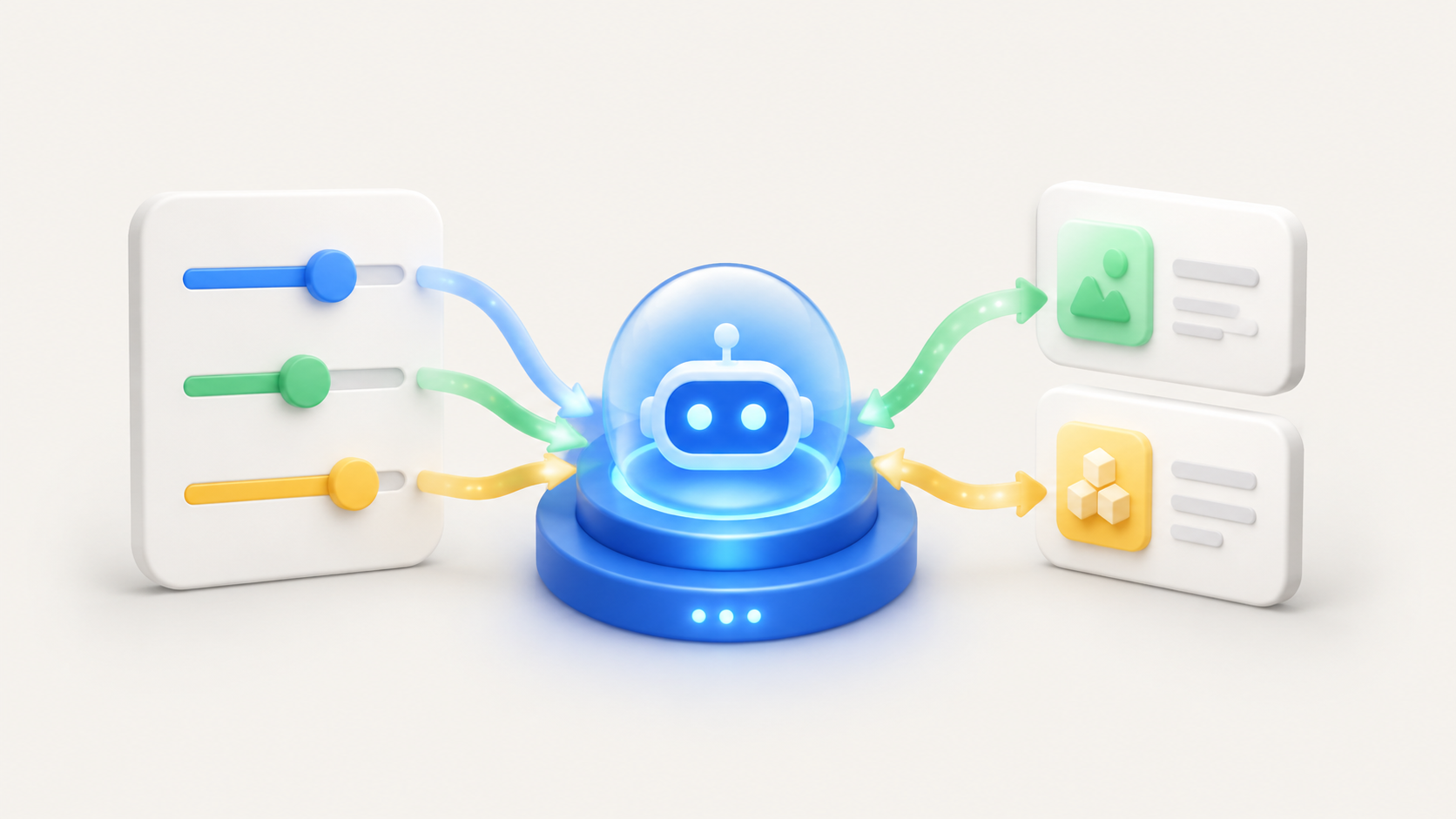
Add your services, prices, opening hours, and the answers customers should receive.
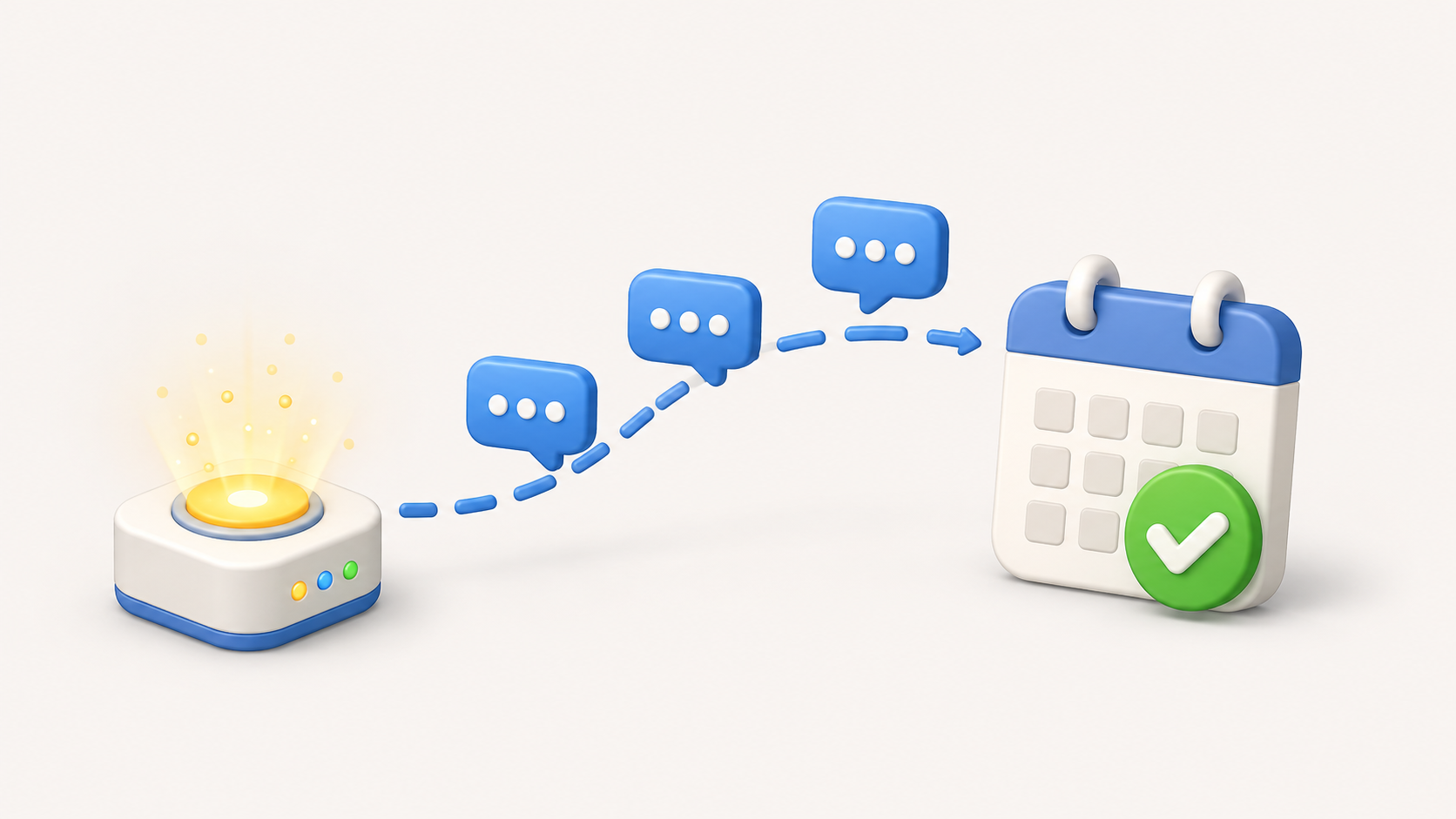
Connect your booking calendar so confirmed appointments are added automatically and availability stays up to date.
Download captured leads and customer contacts as an Excel file whenever you want to follow up or keep your own records.

Yes. WhatsApp connects through Meta’s official WhatsApp Business Platform and Cloud API.
Yes. Switch automation off for any conversation and reply from the shared inbox. The assistant stays paused until you enable it again.
Pause automation for any conversation and reply from the shared inbox. The assistant remains paused until you enable it again.
The assistant is instructed to use only your configured business information. Your saved conversation workflows provide controlled answers whenever a customer message matches.
You can add business information and automation instructions in one session. Connection time depends on your Meta Business and WhatsApp number verification.
You can cancel at any time. Refund eligibility follows applicable law and any terms shown at checkout; contact support if you need help with a billing issue.
It can hand the conversation to your team instead of guessing. You decide when automation should pause and when a human should take over.